

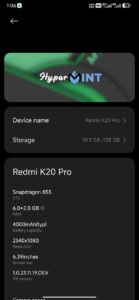
Custom Rom For Redmi K20 Pro HyperMint V1.0.23.11.19 for Mi 9T Pro
- Signature verification disabled
- Fixed Pop up
- Fixed Fod
- Fixed sound volume issues in Bt speaker
- Fixed offline charging
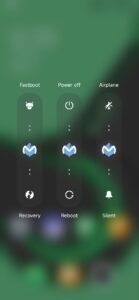
- Fixed Power Menu delay
- Fixed theme Reset issues
- Fixed Tint issues in display
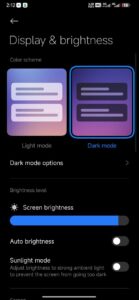
- Fixed old bugs like Dark mode and plugin related
- Fixed Low Brightness And Low Media Sound Issues
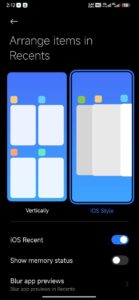
- Nuked That Iphone Bluetooth feature
- Added New GPU driver’s
- Added New Launcher By Kashi
- Added Secure Screenshot
- Added Google playStore and Gboard by Default
- Nfc fixed From my side now need to test that
- Extended Power Menu
- Added Mint Wallpapers
- Fully Debloated
- Improved Stability and Touch response
- Volte and Vowifi Working
- Fixed Touch glitches
- Removed Chinese Stuffs
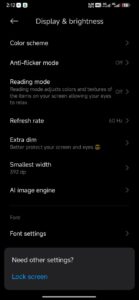
- Added Extra Dim and Dpi like Features
- Added New Battery Icon
- Added Fake Encryption
- Rom is unroot by default with Nijika 268
- YouTube and Videos Lagg fixed
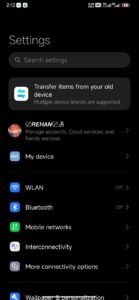
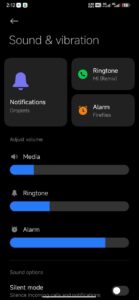
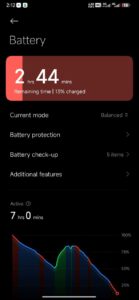
|| View Screenshots ||


Some instructions Before flashing Hyper OS V4
You Can Use Both Official And Unofficial Orange Fox Recovery
Then Go to Recovery
1. Wipe dalvic , cache , system, vendor , data
2.Flash ROM
3.if You want to flash in F2FS Then flash F2FS Patch
4.Flash Magisk If You Want ( Not for All)
5.No need to flash Dfe Rom is Already Decrypted
6.Format Data for Clean experience
7.After Successful Entering in Home Screen Do Reboot 1 Time To remove Some Chinese Packages
That’s All 👍