

Custom Rom For Redmi Note 11 LMODroid 4.2
🔽Screenshots🔽

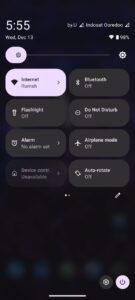

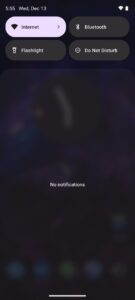
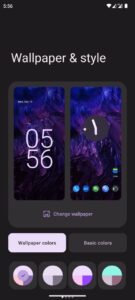
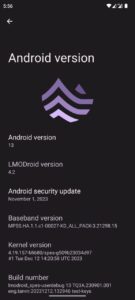
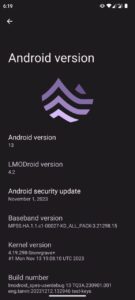
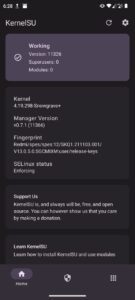
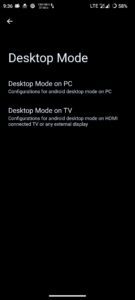
For VANILLA build only:
1. fastboot boot recovery (drag & drop recovery img)
2. Recommend recovery
3. Flash rom
4. Install recovery recovery ramdisk
5. Format data
6. Reboot
***For Gapps
If you want to use Gapps; This step is very important. So, follow this instructions properly. Otherwise, You’ll be face Google Contact Sync Issues.
1. Download NikGapps-basic
This one is recommended for LMODroid 4.2
NikGapps-basic-arm64-13-20231010-signed.zip
Don’t flash any third party launcher module.
If you want to use Pixel Launcher then use NikGapps Pixel Laucher Addon.
This one is recommended: Click Here
Just boot into recovery and flash this.
Notes:
• De-Googled(*) Build
• Disable QS Blur
• Desktop Mode: Telegram || SourceForge
• Non KSU Build
• KSU Kernel: Telegram || SourceForge
• Use this Recovery
Bugs:
• QS Tiles issues? Try this kernel
• Report bugs properly with logs
• If you report bugs while using Magisk, LSPosed, or any third-party modules, I won’t consider them valid
| Device Name : | Redmi Note 11 |
| Version : | Android 13 |
| Status : | Unofficial (4.2) |
🔽Download Link🔽