

ChangeLogs of LuciferUI L1.1
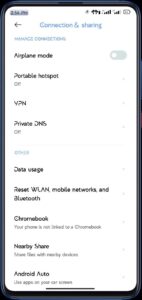
- Added Android Auto
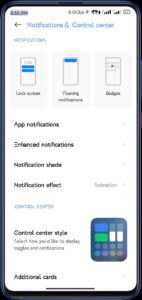
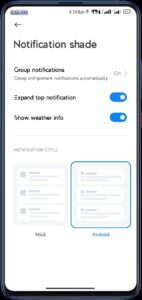
- Added option to Expand Top Notification
- Added Latest Launcher V3F by Kashi
- Added Leica 5.0
- Added Sync & Nearby Share Tile
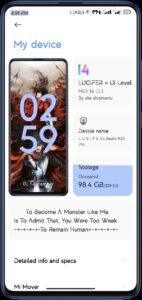
- Changed About UI layout
- Changed BG Clock color to Ghay Monet
- Changed Default Font
- Changed Greetings to AM/PM
- Enabled many features in Additional Settings
- Fixed Longer Boot Session & Magisk Delay
- Fixed Vibrate On Tap
- Fixed Video Toolbar
- Increased the number of notification icons in status bar
- Many More 69+ changes here and there
- Nuked Get Apps & Dynamic Island
- Reverted to stock Screen Recorder
Screenshots
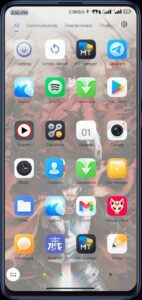
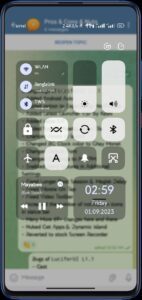
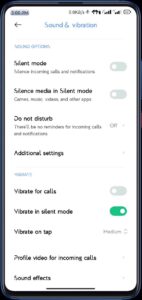
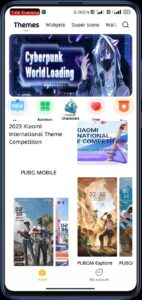

Notes for LuciferUI L1.1
- Turn On
- Additional Settings > Adaptive Brightness
- To enable the full potential of Auto Brightness
- Setup Gallery before installing GPhotos if you want to sync your gallery items to GPhotos
- For Lockscreen Music cover you have to restart systemui / reboot for enabling / disabling the feature
- GoTo Enable Universal Settings > Enable Portrait Mode Fix
- To Fix Portrait Mode crash
Download Link : || Download ||